Estimating a competitor’s Google Ads budget requires analysing performance benchmarks, checking active ads, and calculating avg. CPC to project total spend.
Auction Insights provides you with the closest and most accurate data. It compares your Impression Share and Overlap Rate against every advertiser competing in your ad auctions.
For additional signals and insights, use third-party tools such as SpyFu, Semrush or Ahrefs.
This guide outlines the exact steps to calculate your competitors’ Google Ads budget.

Table of contents:
- Why Track
- Check Competitor Ads
- Compare Impression Share
- Test Live Ads
- Estimate Daily Clicks
- Calculate Average CPC
- Calculate Competitor Budget
Why Track Competitor Google Ads Budgets
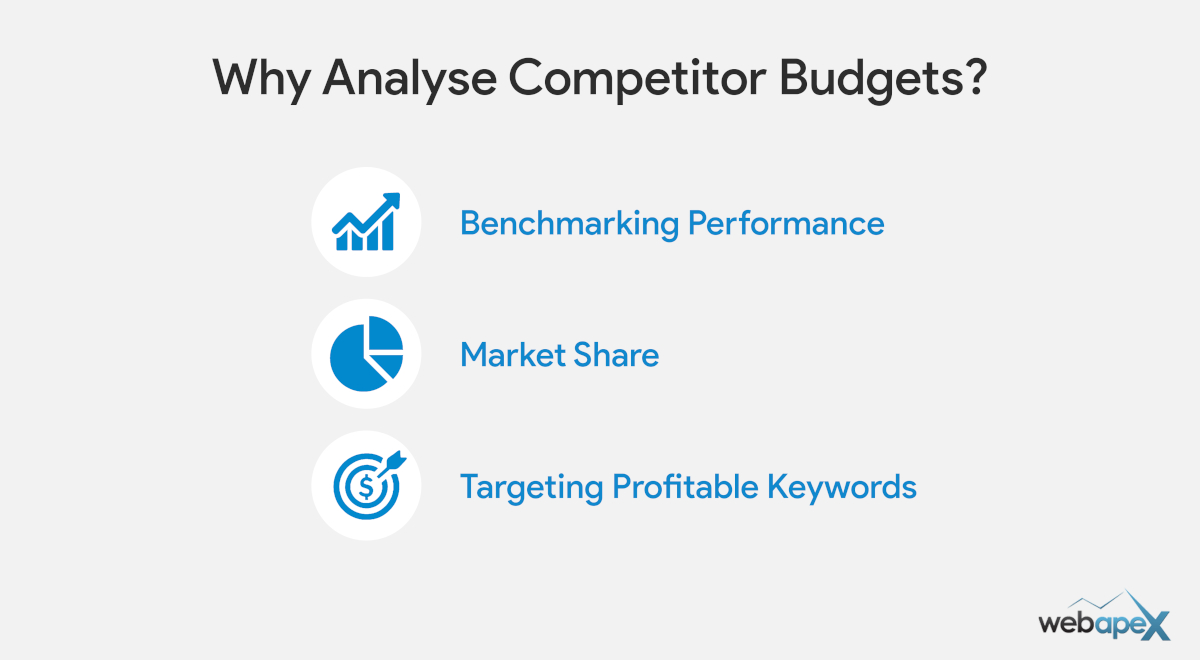
A competitor’s Google Ads spend dictates three operational decisions: how much capital you allocate, which keyword clusters you target, and how aggressively you bid.
Benchmarking Performance: Competitor spend gives you a clear baseline for your monthly budget, bid strategy, and Impression Share targets. Without it, you are running campaigns on guesswork.
Evaluating Market Positioning: Months of heavy Google Ads spend signal clear profitability. Quick spend spikes point to short-term promos or budget testing. Monitor short vs sustained high-competition ad spend to adjust your budget and strategies for a better outcome.
Refining Keyword Selection: You can choose or ignore popular high searched keywords based on your competitor agression on advertising. Generic high-search keywords can quickly drain your budget with limited profit, especially in a competitive niche.
Check Competitor Ads in Transparency Centre
The Google Ads Transparency Centre is the best place to see your competitor’s active ads without doing a live search, including Search, Display, YouTube and Shopping. You can also see creative types: text, image and video.

Key budget clues you can learn in the Transparency Centre:
- Ads Platform: Filter by platform to see their ads on Search, Shopping and YouTube. A competitor present on all three is running a more diversified campaign.
- Monthly Ad Count: Set monthly date ranges to track ad volume over time. It shows whether they have held steady, scaled up or pulled back.
Now that you know what ad formats they run, the next steps break down how to estimate their actual budget.
Compare Impression Share in Auction Insights
This is the most accurate data that you can get directly from Google Ads to benchmark your presence vs your competitors and vital budget clues.
The Auction Insights report lists every advertiser competing in the same keyword auctions as you. It assigns each competitor an Impression Share, the exact percentage of eligible search auctions their ads appeared in. While it does not display direct ad spend, it benchmarks every rival directly against your account.

Note: You must run active Google Ads campaigns on the same search keywords as your competitor to trigger this data.
Core Auction Metrics to Track
- Impression Share (IS): The percentage of total market auctions your competitor captured. A 60% Impression Share means they appeared in 6 out of 10 eligible searches.
- Overlap Rate: How often your competitor’s ad appeared in the exact same auction as yours. High overlap points directly to your primary bid rivals.
- Position Above Rate: How often their ad rank beat yours when both ads showed at the same time.
- Top of Page / Abs. Top Rate: Indicates how aggressively they bid to secure the top position.
Strategic Insights for Budget Calculation
| Observation | What It Signals | Budget Impact |
|---|---|---|
| High IS (60%+), High Top Rate | Aggressive, well-funded competitor. | Signals a high monthly budget to hold top ad spots. |
| High Overlap, Low Position Above | They match your ad visibility, but bid lower. | Spend similar to yours, but their cost per click is lower. |
| Fluctuating Monthly Impression Share | They hit daily budget limits. | Points to capped budgets that run out before the day ends. |
Test Live Ads Presence on Google
The back-end tools report on key metrics; the live test validates your researched data plus you will learn more.
Use the Google Ad Preview and Diagnosis Tool instead of standard Google search. Live search will also affect your impression share data, but occasional live research is fine.
Key Factors to Check During Manual Research
- Ad Positioning: Check if ads appear in #1 to #2 positions more often. A lower ad position or not showing regularly means not enough budget or poor campaign structure.
- Ad Assets (Extensions): Look for sitelinks, callouts, and images. Competitors running full ad assets means they are running with a healthy budget.
- Ad Scheduling: Search at different times of day. Ads that drop off in the late afternoon or are not running on weekends point directly to budget limitations.
Estimate Competitor Daily Clicks
Estimating daily clicks is an important step in calculating a competitor’s Google Ads budget.
Formula: Daily Search Volume × Impression Share × Estimated CTR = Daily Clicks
Data Sources for the Formula
- Daily Search Volume: Keyword Planner monthly searches divided by 30.
- Impression Share: Competitor market percentage from Auction Insights.
- Estimated CTR: Click-through rate based on live SERP placement.
CTR & Traffic Ranges by Position
| SERP Placement | Impression Share | Estimated CTR | Traffic Volume |
|---|---|---|---|
| Top (#1-#2) | High (60%+) | 8% – 10% | High |
| Mid (#3-#4) | Moderate (30%-50%) | 3% – 5% | Moderate |
| Bottom / Low IS | Low (<20%) | 1% – 2% | Low |
Calculate Average CPC Using Keyword Planner
Keyword Planner provides the cost-per-click (CPC) range required to bid on your target keywords.
The avg. CPC will be used in the next step to calculate your competitor Google Ads budget.

Step 1: Find Keyword Bid Ranges
Enter your keywords in Google Keyword Planner.
Note down the following for your main keywords:
- Top of page bid (low range)
- Top of page bid (high range)
Step 2: Calculate Average CPC per Keyword
For each keyword, add the low range and high range bids together and divide by 2 to get a balanced CPC estimate.
Keyword Estimated CPC = (Low Range Bid + High Range Bid) / 2
Step 3: Get Your Final Account Average CPC
Add up the estimated CPCs for all your primary keywords and divide by the total number of keywords.
Example:
- Keyword A: ($3.00 + $7.00) / 2 = $5.00
- Keyword B: ($2.00 + $4.00) / 2 = $3.00
- Account Average CPC: ($5.00 + $3.00) / 2 = $4.00
Calculate Competitor Google Ads Spend
This final step combines your estimated daily clicks and average CPC into a total budget estimate.
Formula:
- Daily Clicks × Average CPC = Daily Spend
- Daily Spend × 30.4 Days = Monthly Google Ads Spend
Step 1: Calculate Daily Spend
Multiply your estimated daily clicks (from Step 4) by your average account CPC (from Step 5).
Example: 48 daily clicks × $4.00 average CPC = $192.00 per day
Step 2: Scale to Monthly Estimated Spend
Multiply the daily spend by 30.4 (the average number of days in a month) to get the total monthly budget.
Example: $192.00 daily spend × 30.4 days = $5,836.80 per month
FAQs
What is the best tool to check competitor Google Ads budgets?
Google's own tools, Auction Insights and Keyword Planner, give you the most accurate starting point. Third-party tools vary on traffic estimates. For the best results, combine native Google data with manual search result checks.
Can I see my competitors' exact Google Ads budget?
No. Google never discloses exact ad spend. However, combining Auction Insights, Keyword Planner data, and live SERP validation allows you to calculate a highly reliable spend estimate.

